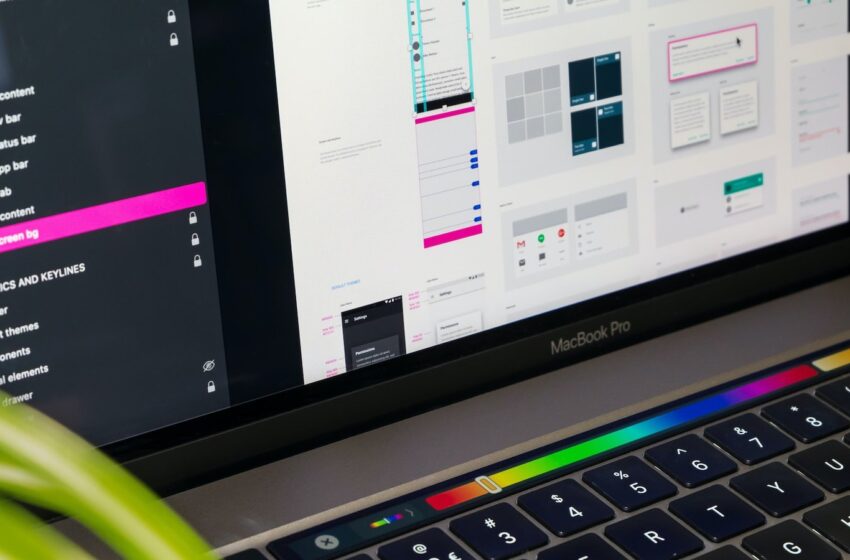
In today’s competitive digital landscape, having a visually appealing website isn’t enough. If your website’s user experience (UX) is poor, visitors will leave before taking action, whether that’s making a purchase, signing up for a newsletter, or submitting a form. Small adjustments to UX can have a big impact on your conversion rate, often without requiring a full redesign.
In this guide, we’ll explore five actionable UX tweaks that can instantly improve your site’s conversion rate and keep visitors engaged.
1. Simplify Navigation
Complex or cluttered navigation is one of the most common reasons users leave a website. When visitors can’t find what they’re looking for, bounce rates increase, and conversions drop.
How to tweak it:
- Limit your main menu items to the most essential pages.
- Use clear labels that describe exactly what users will find.
- Include a search bar for large websites.
- Make your navigation consistent across all pages.
Impact: A simple and intuitive navigation system ensures users can move through your website effortlessly, increasing the likelihood they’ll convert.
2. Optimize Page Load Speed
A slow-loading website frustrates users and kills conversions. Studies show that even a one-second delay can reduce conversion rates by up to 7%.
How to tweak it:
- Compress images without losing quality.
- Minimize CSS, JavaScript, and unnecessary plugins.
- Use browser caching and a Content Delivery Network (CDN).
- Optimize mobile performance, since most users access websites via smartphones.
Impact: Faster pages improve user satisfaction, reduce bounce rates, and encourage visitors to complete actions on your site.
3. Improve Call-to-Action Placement and Design
Even great content won’t convert if users can’t easily find your calls-to-action (CTAs).
How to tweak it:
- Place CTAs above the fold where they’re immediately visible.
- Use contrasting colors to make buttons stand out.
- Use action-oriented text like “Get Started,” “Download Now,” or “Claim Your Free Trial”.
- Limit multiple CTAs on one page to avoid overwhelming the user.
Impact: Well-designed and strategically placed CTAs guide users to take the desired action, directly improving conversion rates.
4. Streamline Forms and Checkout Processes
Lengthy forms or complicated checkout steps are a major conversion killer. Users are more likely to abandon a process if it feels tedious.
How to tweak it:
- Only ask for essential information.
- Break long forms into smaller steps.
- Use autofill and validation to reduce user effort.
- Provide a progress indicator for multi-step processes.
Impact: Simplifying forms and checkout flows reduces friction and increases completion rates, translating into higher conversions.
5. Enhance Visual Hierarchy and Readability
Users often skim content rather than reading every word. A clear visual hierarchy ensures important information and CTAs are noticed first.
How to tweak it:
- Use headings and subheadings to structure content.
- Highlight key points with bold text or color accents.
- Maintain sufficient white space for readability.
- Use high-quality images or graphics that support your message.
Impact: Clear, readable content helps users quickly understand your value proposition, leading to more conversions.
Bonus Tip: Continuous Testing and Optimization
UX improvements don’t stop at initial tweaks. Use tools like Google Analytics, Hotjar, or Crazy Egg to monitor user behavior, identify friction points, and A/B test changes. Even small optimizations can have a measurable impact on conversion rate over time.
Conclusion
Improving your website’s UX doesn’t always require a complete overhaul. By implementing these five tweaks—simplifying navigation, optimizing load speed, enhancing CTAs, streamlining forms, and improving readability—you can instantly boost conversions and create a more engaging experience for users.
Remember, every improvement counts. Focus on user-centered design, measure results, and continuously refine your site to ensure higher engagement, better satisfaction, and increased revenue.